

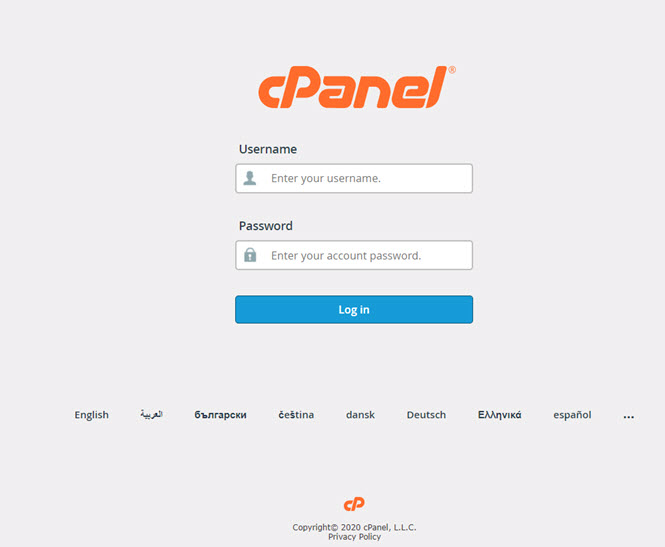
Step 1: Log in to your cPanel Using the Credentials shared with after Signing Up
Step 2: Select email accounts from there you will be able to create email accounts for users and their passwords.

Step 3: On the emails page, click on the create button to start creating emails.

Step 4: Provide details for email you want to create then click on the create button.
Congratulations, you have created your email account..!

CHANGING YOUR EMAIL PASSWORD
Step 1: On the list of email account click on manage, for the account that you want to update.

Step 2: Provide the new password that you would like to use,

Step 3: Click on the update Email Settings button at the bottom,
Congratulations, you have updated your password..!


